
How do I update the phone number associated with my account?
If you would like to update the phone number linked to your account, please follow these steps:
- Log in to your account at josephprince.org/login.
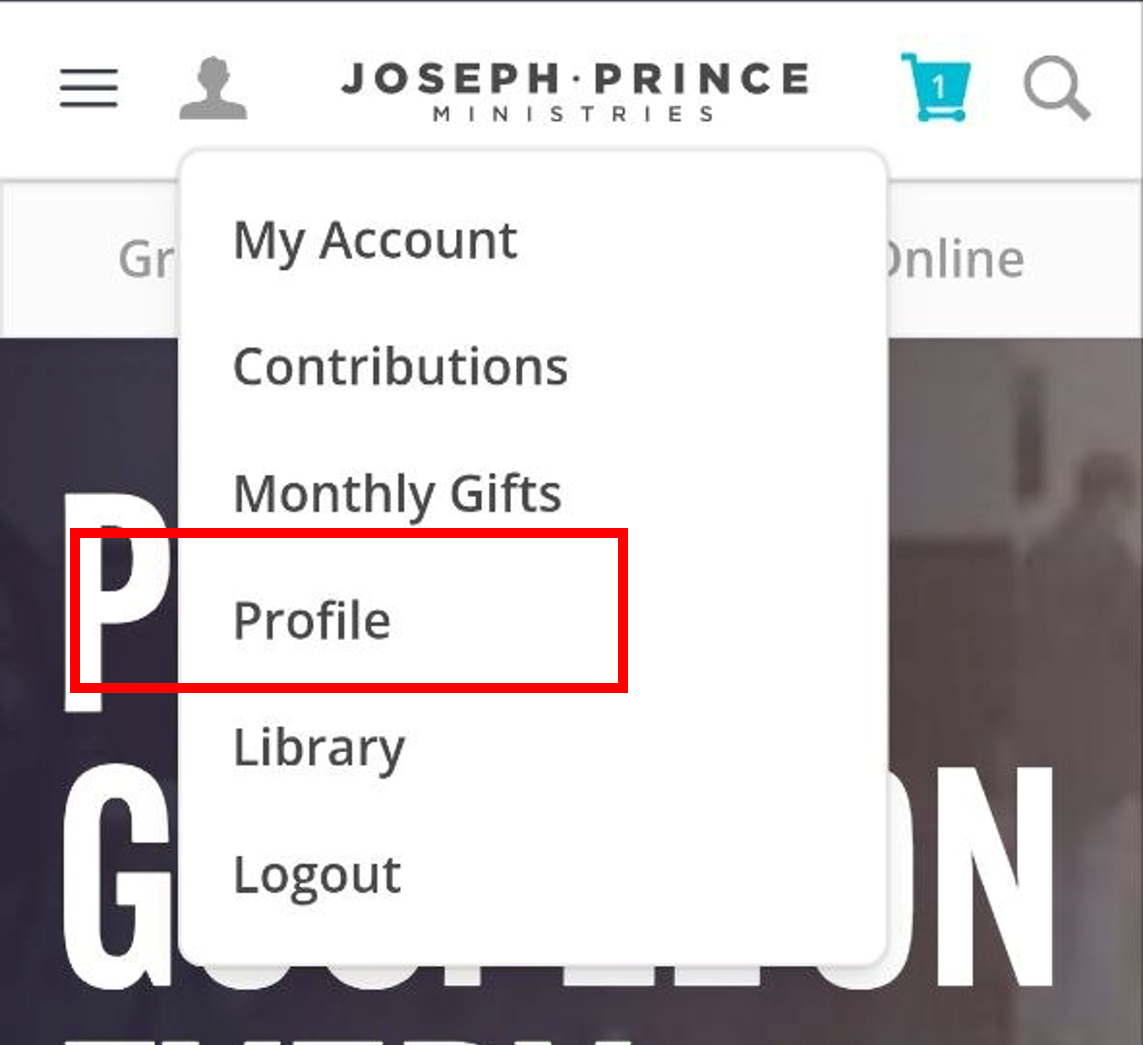
- Click on the profile icon at the top left corner of the page:

- Select Profile from the drop-down menu:
- On the Profile page, you can update your personal details, such as your phone number, email address, and saved addresses.
- Click Save Changes to update your account details. Your updated information will be saved immediately.
If your question has not been answered, please contact us here.